Are Chromebooks worth it?
Worth it if
Chromebooks are worth it if your day is mainly Gmail, Docs, research, video calls, streaming, and browser tabs. They make most sense as a light school, travel, backup, or second laptop when fast startup and low maintenance matter more than desktop software or raw power.
Skip it if
Skip a Chromebook if you need Windows-only or demanding desktop software, heavy multitasking, modern gaming, or substantial local file storage. Also check display resolution, app compatibility, and external-monitor needs before buying.
Related product reviews to help you decide
$169–$381 across these picks, at time of writing
 Lenovo Chromebook S330 Review for BusinessWorth it, with a narrow briefRead the review
 Samsung Chromebook 3 ReviewWorth it, if you know exactly what you're buying it forRead the review
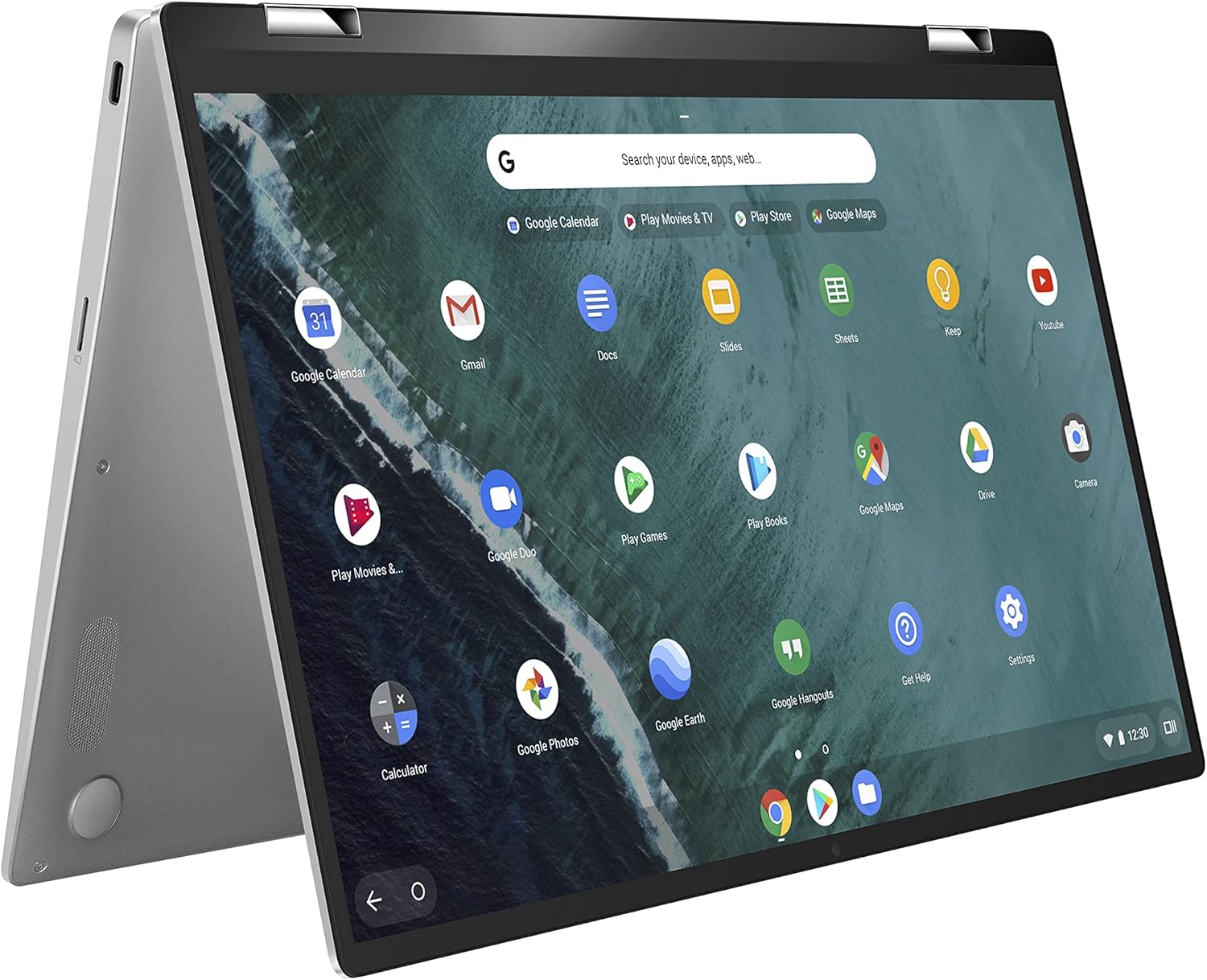 ASUS Chromebook Flip C434Worth it, if you know what you're buying it forRead the review
 Acer Chromebook 315Worth it, if your day lives in a browserRead the review
Are Chromebooks worth it when your work lives in a browser?
A Chromebook runs ChromeOS, so the main work surface is the browser rather than a traditional desktop software library. Open Gmail, Docs, spreadsheets, research tabs, and calls, and the machine is designed around those web-based tasks. That is why a Chromebook can feel quick and uncomplicated for schoolwork, travel, and a second laptop: you start the machine, open the browser, and get to the account where your files and collaboration already live.
The trade is just as direct. A browser tab is not the same thing as a full desktop application, and cloud storage is not the same thing as keeping a large local library on the machine. Demanding software, heavy multitasking, offline desktop apps, and graphics-heavy work are the boundary lines in the supplied reviews. A Chromebook can also vary sharply by configuration: some reviewed options focus on portability or touch and tablet modes, while others offer a larger anti-glare display or support for one external monitor. Those are configuration questions, not automatic category benefits.
So the click is simple: buy the workflow, not the low sticker price. If your essential tasks already happen in ChromeOS, fast boot and low maintenance can justify a Chromebook. If the laptop must replace a full Windows machine for demanding software, local storage, or sustained multitasking, the compromise becomes the product.
It earns its place for
- People whose essential work runs in Gmail, Docs, spreadsheets, calls, and browser tabs
- Students needing a light machine for schoolwork and cloud collaboration
- Travelers wanting a portable second or backup laptop
- Buyers who value fast boot and low maintenance over raw power
- Users who have checked their apps and local-storage needs against ChromeOS
Save your money if
- You need Windows-only, professional, or other demanding desktop software
- You multitask heavily or want modern games and graphics-heavy work
- You keep substantial files locally instead of in the cloud
- You need a sharper display or external-monitor setup that the chosen configuration does not support
Think in replacement terms: a Chromebook earns its keep when it replaces a light school, travel, backup, or second laptop used regularly. If it only handles occasional browsing beside a computer you already own, the cost per use rises quickly.
Before you decide
Is a Chromebook worth buying?
Yes, if your work is mainly browser tabs, email, cloud documents, calls, or streaming and you want a light, low-maintenance machine. No, if you need demanding desktop software or heavy multitasking.
What are the downsides to a Chromebook?
The main downsides are limited support for demanding desktop software, less suitable local storage, weaker heavy multitasking, and configuration limits such as display resolution or external-monitor support.
What is better, a laptop or a Chromebook?
A Chromebook is better for browser-based work, school, travel, and low-maintenance use. A full laptop is better when you need demanding desktop software, substantial local storage, heavy multitasking, or modern gaming.
Why are schools getting rid of Chromebooks?
No single reason is established here. Check whether the school’s required apps, local files, multitasking needs, and ChromeOS support fit the specific Chromebook configuration before treating replacement as a category verdict.
Chromebooks are worth it for a specific kind of day: browser tabs, email, cloud documents, calls, streaming, and straightforward school or business work. They are less convincing as a universal laptop because demanding desktop software, heavy multitasking, local storage, offline apps, and modern gaming sit outside the strongest fit. Check ChromeOS compatibility, display needs, storage habits, and monitor connections before buying. If those line up, a Chromebook is a sensible focused machine. If not, choose a full laptop.
Every computers product we have reviewed: computers reviews.