Is the Amazon Fire TV Stick 4K Select worth it?
#1 in Electronics on Amazon

Worth it if It is worth considering if you want an easy plug-in 4K streamer with HDR10+, Alexa voice search, major streaming apps, and access to free and live TV. It suits buyers who want faster browsing without replacing their television.
Good to know: If you need guaranteed access to every legacy app or a device built around local downloads, look for a streamer with confirmed compatibility for those apps.
A 4K streaming stick that puts search before scrolling
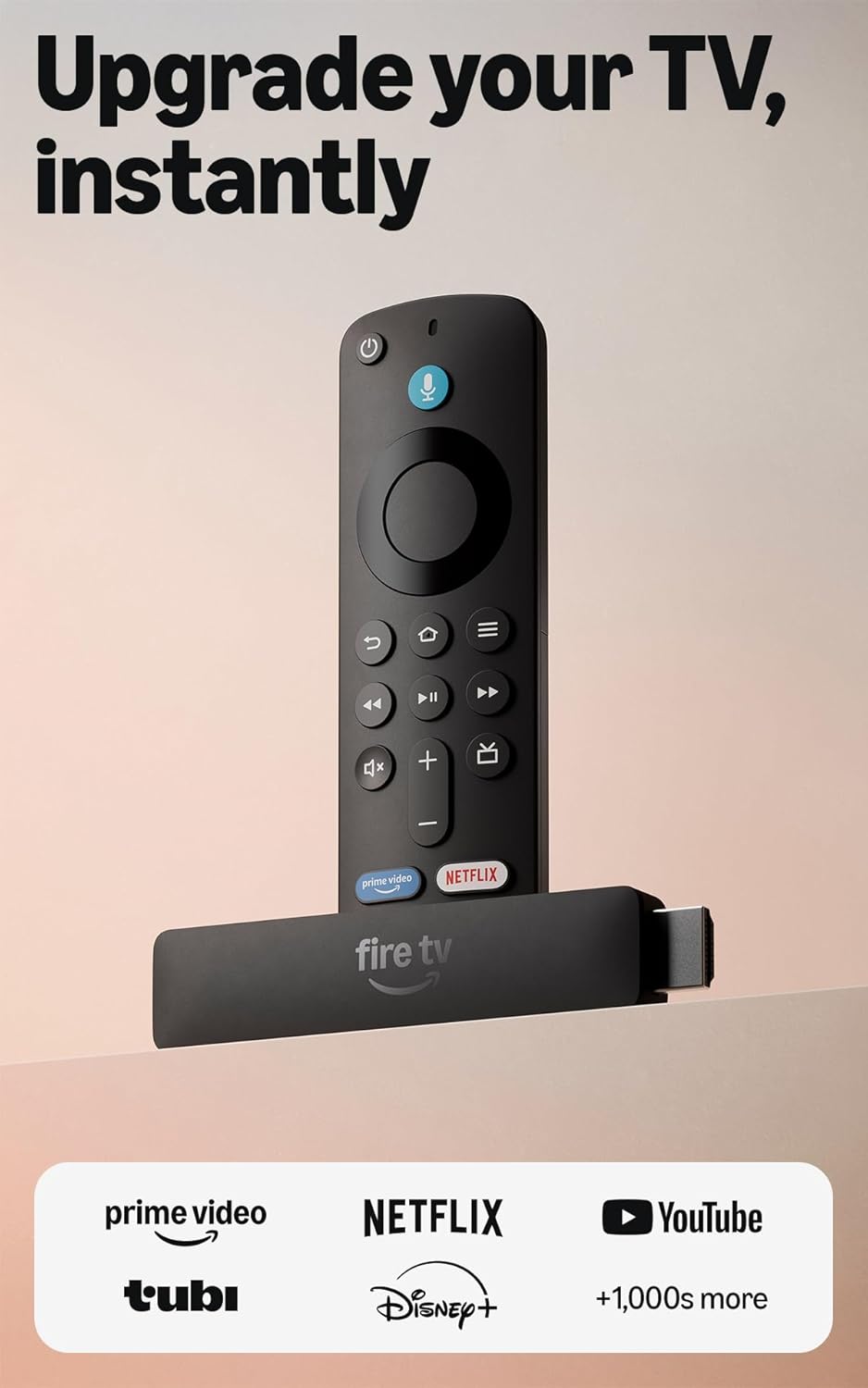
The Amazon Fire TV Stick 4K Select makes its main choice clear: it puts discovery at the center of the viewing experience. Plug it into your TV, connect it to Wi-Fi, and the Fire TV interface brings streaming apps, free content, live TV, and recommendations into one place. That removes the need to jump between separate inputs or hunt through each service before deciding what to watch.
The useful detail is the Alexa search. Press the remote button and ask for a show, movie, actor, or topic, then Alexa can search and launch content across apps. The listing also says Alexa+ can personalize recommendations, help find shows through natural language, show Amazon Photos, manage compatible smart-home devices, and answer questions. The practical effect is less menu work when you already know what you want, with extra help when you do not.
The stick also supports 4K Ultra HD and HDR10+, so a compatible 4K TV can display supported content in those formats. Major apps including Netflix, YouTube, Disney+, Apple TV+, Hulu, and others are available, though subscription fees may apply. Cloud gaming through Xbox Game Pass and Luna is another option, but it requires a compatible controller and separate subscriptions. That is the honest trade: broad access and easy search, with app and service compatibility worth checking before purchase.
You get one compact streaming device covering 4K playback, major apps, voice search, free and live TV, smart-home control, and optional cloud gaming. It can replace the need to use separate TV menus for those services.
Great for
- 4K TV owners who want HDR10+ streaming
- Viewers who prefer voice search to menu browsing
- Households using major apps such as Netflix, YouTube, or Disney+
- People interested in free, live TV, or cloud gaming options
- Alexa users who want compatible smart-home control from the TV
Maybe not for you if
- You depend on a specific legacy app and have not confirmed compatibility
- You want cloud gaming without a separate compatible controller or subscription
- You prefer a streamer built around local app downloads rather than its integrated Fire TV experience
The Fire TV Stick 4K Select is a sensible fit for a 4K TV owner who wants a straightforward streaming hub rather than a complicated setup. Its strongest value is the combination of 4K and HDR10+ playback with Alexa search across apps, plus access to free content, live TV, smart-home controls, and cloud gaming options. Check the apps you rely on before ordering, especially if you need older or less common services. For a buyer who wants to plug in, connect to Wi-Fi, and find shows quickly, it earns consideration.
Amazon shoppers rate it 4.1 out of 5 across 17,151 ratings. That is their number, not ours.
Quick answers before you buy
Does the Fire TV Stick 4K Select support 4K?
Yes. It supports 4K Ultra HD streaming and HDR10+. Your TV and the content also need to support the relevant formats.
Which streaming apps are available?
Major apps listed include Prime Video, Netflix, YouTube, Disney+, Apple TV+, HBO Max, Hulu, Peacock, and Paramount+, plus thousands more. Subscription fees may apply.
Is setup difficult?
No. The listing says to plug it in and connect to Wi-Fi. You will then use the Fire TV interface and remote to access apps and content.
Can it be used for cloud gaming?
Yes. It supports cloud gaming through Xbox Game Pass and Luna. A compatible controller and the required subscriptions are sold separately.
Can Alexa search across apps?
Yes. Press the Alexa button and ask it to search for or launch shows across your apps. Alexa+ also supports natural-language requests and compatible smart-home controls.
More top picks in Electronics

More top picks from Amazon, or every electronics review.